
Search Badger White Pages
Badger White Pages searches work best when you keep the borough in view from the start. Badger is a census-designated place inside Fairbanks North Star Borough, with a population of about 20,000, and the records path stays at the borough level instead of inside a city hall system. That means a name search can turn into a borough contact search, a property lookup, or a court check very quickly. This page keeps the local route simple so you can move from a Badger White Pages search to the office that actually holds the file.
Badger Overview
Badger White Pages Overview
Badger sits north of Fairbanks, but the record trail still runs through Fairbanks North Star Borough offices. That is useful for White Pages work because the same name can point to a phone-style lookup, a property question, or a public record request. The county companion page at Fairbanks North Star Borough White Pages is the main bridge when you need the broader borough view instead of just the place name.
Because Badger is a census-designated place, the public record path is more practical than political. You are usually not dealing with a city clerk. You are dealing with borough departments, Alaska court access, or a state office that keeps older records. That makes a Badger White Pages search less about the city boundary and more about the right records holder.
The borough site at fnsb.gov is the first local stop for general contact work. It helps you move from a Badger White Pages lookup to the office that handles assessment, public records, or other local administration. If the name you found is tied to a parcel, a case, or a government file, this borough-level route is the cleanest way forward.
Badger White Pages Images
The borough home page at fnsb.gov gives you the clearest starting point for a Badger White Pages search that needs official local contacts.
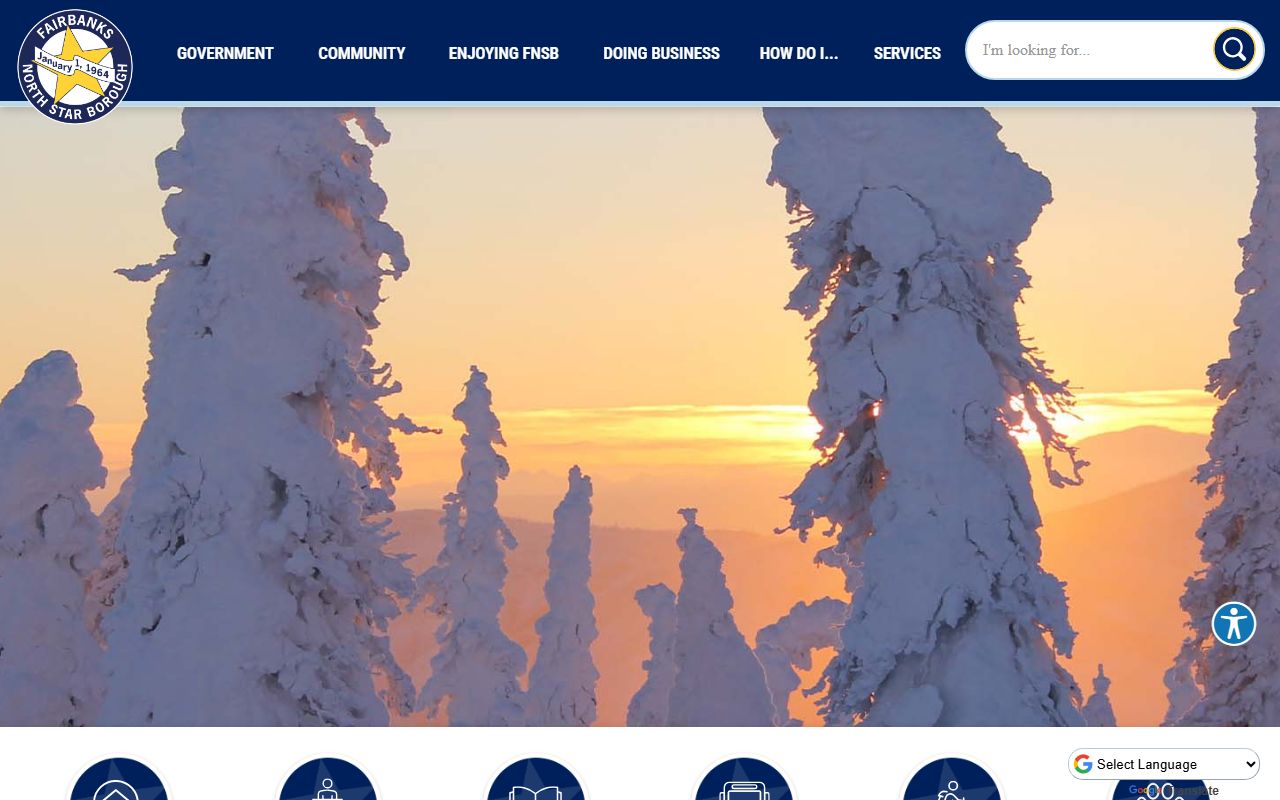
Use that view when you want the borough entry point before you move into records, contacts, or assessment tools.
The assessing page at fnsb.gov/assessing is the better match when a Badger White Pages lookup turns into a property question.
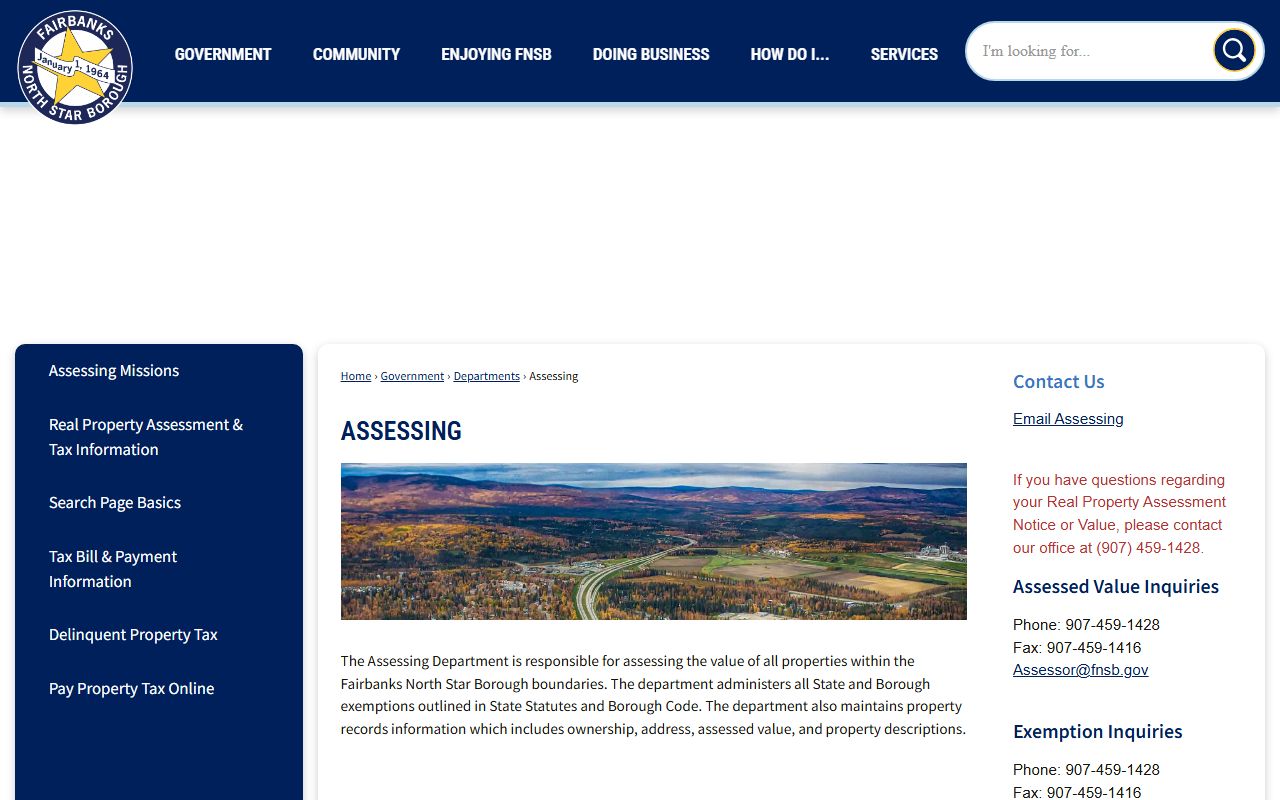
That page supports parcel work, address checks, and ownership research tied to borough property records.
Badger Borough Records
Badger records are maintained at the borough level, so the Fairbanks North Star Borough site is the right place to start when you need a contact, a department name, or a route into a public record. The borough page is not a generic directory. It is the place where local office names connect to real request paths, which is exactly what a White Pages search needs when the result has to lead somewhere useful.
The borough public records process is broad enough to cover many needs. The request form lets you identify the department, describe the file, and choose how you want the response delivered. That matters in Badger because the same name may sit in a property file, a planning record, a legal file, or another borough department. The clearer your request, the faster the office can route it.
When you are unsure where to begin, the county companion page at Fairbanks North Star Borough White Pages is the best shortcut. It gives you the county-wide context that Badger does not have on its own, and it keeps a White Pages search tied to the correct public office instead of a broad web search.
Badger White Pages Property Search
Property work is the most common reason a Badger White Pages search reaches the borough assessing department. The assessing page at fnsb.gov/assessing is where maps, addresses, business names, and property account numbers come together. If you begin with a street name or an address clue, this is the office path that can connect the name to a parcel.
That property path matters because the borough keeps records such as deeds, maps, liens, UCC documents, security agreements, property descriptions, and ownership history. Those records can be more useful than a name list when you are trying to match a Badger address to a parcel or confirm who the borough lists as the owner. A White Pages search becomes stronger once you know the parcel side of the story.
Badger is large enough that address clues often matter more than the person search itself. If a result points you to the wrong neighborhood or a similar name, the borough assessment tools can still break the tie. That is why the borough companion page and the assessing page work together so well for Badger White Pages research.
Badger Court Access
Some Badger White Pages searches end with a court file instead of a borough file. The Alaska Court System case search at courts.alaska.gov/main/search-cases.htm is the best first check when a person name or case number is part of the search. It helps you see whether the file is open, older, or limited online before you ask for copies.
If you need the Fairbanks courthouse contact details, the county companion page at Fairbanks North Star Borough White Pages keeps those details in one place. That makes the city page simpler. It can stay focused on the Badger search path while the county page handles the broader local court reference.
Not every case record looks the same online. Some files are easy to find. Others need a follow-up at the courthouse. That is normal in a White Pages workflow. Use the court search first, then decide whether the local office or the printed record path is the better next step.
Badger White Pages State Records
When a Badger White Pages search leaves borough government, state record systems become the next stop. Vital records requests go through the Alaska Department of Health Division of Public Health contacts at health.alaska.gov/dph/VitalState/Pages/contacts/contact. That is the right place for birth and death certificates, not borough offices.
Older name searches can move to the Alaska State Archives genealogy page at archives.alaska.gov/genealogy/genealogy.html. That resource helps when a Badger White Pages search reaches beyond current local files and into family history or older Alaska records. It is especially useful when the person you need does not show up in current borough systems.
Recorded documents and land records belong with the Alaska Department of Natural Resources Recorder's Office at dnr.alaska.gov/ssd/recoff/About. That office explains how public access works for recorded instruments. Together with the borough assessing department, it gives Badger researchers a full path from a White Pages search to the actual record source.
Note: Badger records are not split across a city government and a borough government, so the borough route is usually the fastest way to get past a simple name search.
Badger White Pages Resources
These links pull the Badger White Pages path into one place. Use them when a name search has to become a borough, court, property, or state records lookup.