
Access Eagle River White Pages
Eagle River White Pages searches run through Anchorage Municipality, not a separate local city hall. The community has about 12,000 residents, and that means most records are kept at the municipal level. If you need a name, a clerk contact, a public record, or a court reference, start with Anchorage resources first. That gives you the most direct route into the record set and keeps the White Pages search tied to the office that actually handles the file. Anchorage is a unified municipality, so city and borough functions sit inside one local system, and Eagle River users can move from the clerk page to JustFOIA, then to the court search or a state records page without leaving that structure.
Eagle River Overview
Eagle River White Pages Sources
The main Anchorage site at muni.org is the broad starting point for Eagle River White Pages work. It gives you the municipal structure, official departments, and the first set of government pages that can point you to the right record. Since Eagle River does not have a separate office in the research, the municipal site is the best way to stay grounded. It is the cleanest route when you need a contact or a record and do not want to guess which department owns it.
The Anchorage Municipality White Pages page is the broader companion view. It pulls together the same municipal resources in one place and helps you see how Eagle River fits inside the larger Anchorage system. The city page at Anchorage White Pages is also useful when you want the clerk-focused route before you widen the search. Both links keep the search close to the office that actually keeps the records.
For a quick look at the municipal source, muni.org is the best first click.
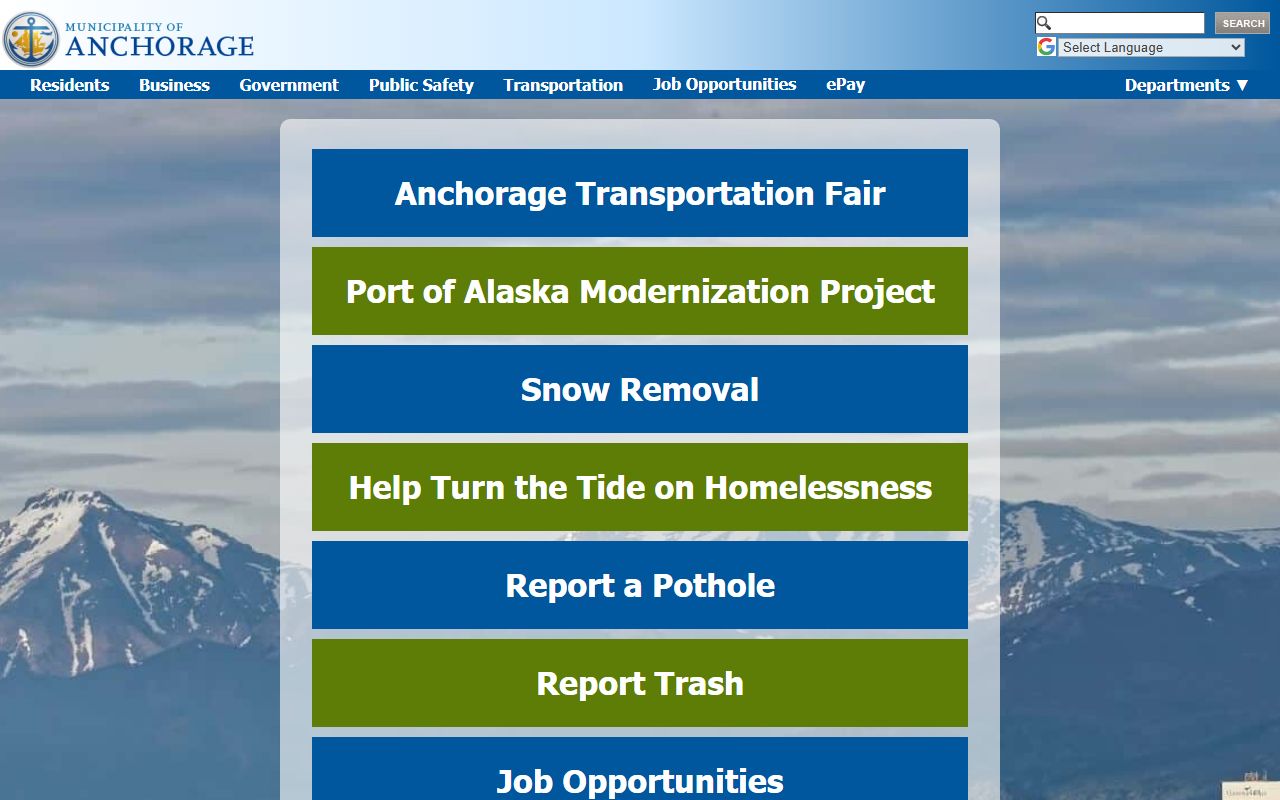
That page keeps the White Pages search in the same local government system that holds the record.
Eagle River White Pages Clerk Access
The city clerk page at muni.org/Departments/Assembly/Clerk is a key starting point for many Eagle River White Pages searches. It is where you can find municipal contacts, assembly material, and the basic record path for Anchorage government. If you want to know where a local file lives, the clerk page is usually the first office worth checking. That is true for Eagle River because the records stay at the municipality level.
The clerk contact matters even when the answer is not on the page itself. Clerk staff can point you to the right municipal office, which keeps the search from stalling out. In a White Pages search, that kind of handoff is important. A name may belong to a meeting item, a request form, or another municipal record. The clerk page helps you sort that out without leaving the Anchorage system.
The Anchorage clerk office is the best local contact when a White Pages search needs an official municipal response. It is a good place to start before you move to a request portal or a court search.
The clerk page at muni.org/Departments/Assembly/Clerk is the clearest municipal contact route.

Use it when the search needs a human office, not just a search box.
Eagle River White Pages Public Records
The public records portal at anchorageak.justfoia.com/publicportal is the main request path for Eagle River White Pages searches that need a document instead of a contact. It lets you submit a municipal records request and follow the process online. That is useful when a clerk page gives you the office but not the file. The clearer you are about names, dates, and subjects, the easier it is for staff to route the request.
The public records guide at law.alaska.gov/doclibrary/APRA.html gives the Alaska Public Records Act framework, and AS 40.25.100 gives the main public records statute. Those links help explain how Anchorage must handle records and when a request may be limited or delayed. For White Pages work, that matters because you need to know whether the record is public, whether it will be redacted, and which office can answer.
The municipal records path is strongest when it stays local first. Start with the clerk, use JustFOIA for the request, and then move to the state rules only when you need the legal backdrop.
The portal at anchorageak.justfoia.com/publicportal is the right place to submit a municipal request.
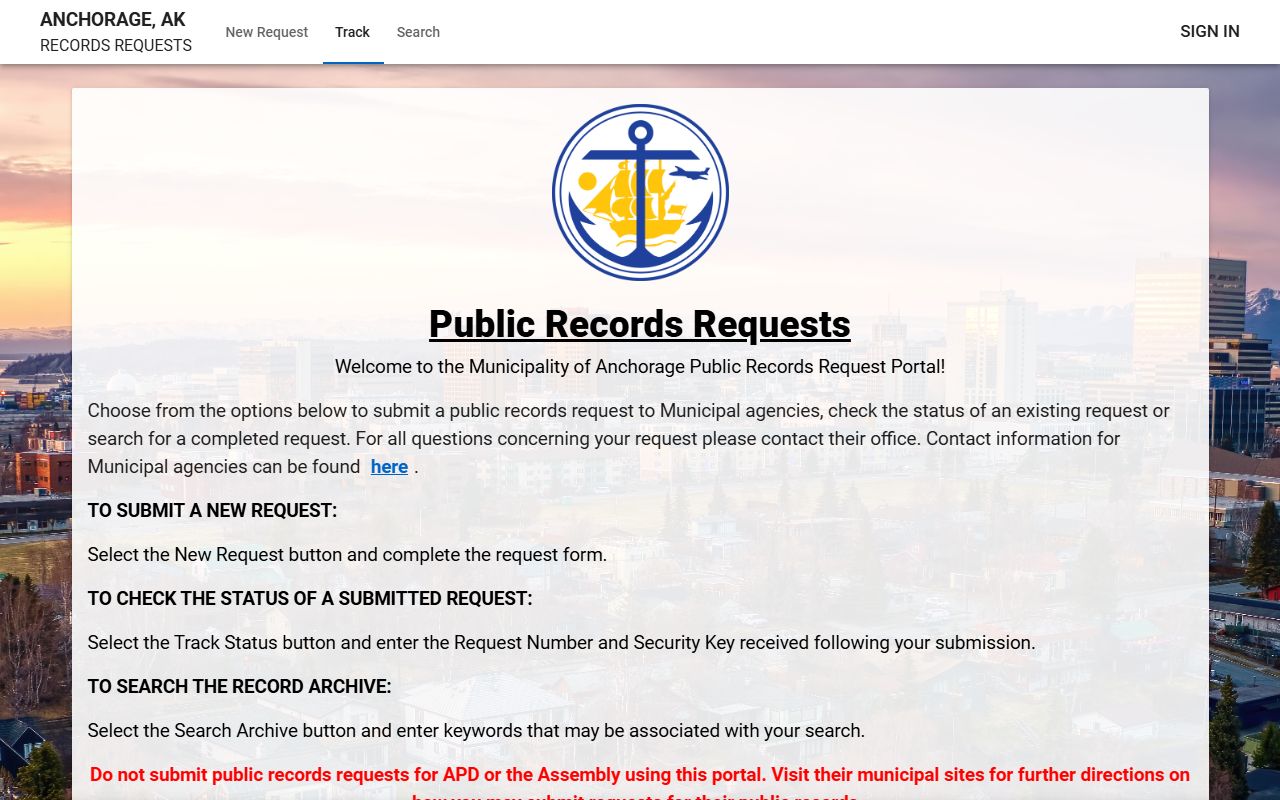
It gives White Pages users a direct way to track a request after the clerk page points them in the right direction.
Note: A good Eagle River White Pages request should name the office, the record type, and the time frame as clearly as possible.
Eagle River White Pages Court Search
When an Eagle River White Pages search turns into a case question, the Alaska Court System case search at courts.alaska.gov/main/search-cases.htm is the right place to check. Court records are separate from municipal contact records, so it helps to confirm whether the name belongs to a case before you start asking the city for copies. That keeps the search tidy and saves time.
The court search is also useful because a person may appear in more than one record set. A municipal file might tell you where the person lives or worked, while a court record can tell you whether there is a docket tied to the same name. White Pages research goes faster when you check the court side before you assume the name belongs to a municipal file.
Anchorage White Pages Resources
Eagle River White Pages searches often move between municipal and state resources. The Anchorage municipal site at muni.org is the main starting point, the clerk page gives you the office that handles municipal records, and JustFOIA is the request portal when you need a file. If the question shifts to the legal backdrop, the Public Records Act guide and the statute page explain the access rules.
The county page at Anchorage Municipality White Pages and the city page at Anchorage White Pages are useful companions when you want to compare the broader municipal view with the clerk-focused city view. That helps when Eagle River is only part of a larger Anchorage search. It also keeps the White Pages path local, which is the easiest way to stay on target.
For Eagle River, the rule is simple. Start with the municipality, check the clerk, use the request portal if needed, and then move to the court search or state rules if the record type requires it. That is the fastest path through a White Pages lookup in Anchorage.