
Search Kenai Peninsula Borough White Pages
Kenai Peninsula Borough White Pages searches work best when you start with the borough office that keeps the record. The borough seat is Soldotna, the population is 58,799, and the official site points you toward property tools, public records requests, and local office contacts. That makes the search practical for names, addresses, parcel clues, and records requests. If you are trying to match a person to a place, or a contact to a department, the borough's own pages are the cleanest first step. Use them first, then move to court or state systems only when the record type calls for it.
Kenai Peninsula Borough Overview
Kenai Peninsula Borough White Pages Overview
The official Kenai Peninsula Borough website is the broadest starting point for Kenai Peninsula Borough White Pages work. It brings the borough's main services into one place, which helps when you need a name, a department, or a record path without guessing which office owns the file. That is especially useful in a borough where property, maps, and public records all matter in daily search work.
White Pages research here is not just a contact search. It is often a way to move from a person to a public record, or from an address to the right local office. The borough site can point you toward parcel tools, tax tools, and request forms that save time when a simple directory search is not enough. That keeps the search local and useful.
The borough seat in Soldotna also matters because it tells you where many of the records and office contacts are centered. When you know the seat and the main website, it becomes easier to stay inside the borough system instead of drifting into unrelated results. That is the main strength of a Kenai Peninsula Borough White Pages search.
| Website | Kenai Peninsula Borough official website |
|---|---|
| Population | 58,799 |
| Borough Seat | Soldotna |
| Primary Records Path | GovQA public records request system |
If you need a nearby city view too, the Kenai White Pages page shows the city side of the same local record system.
Kenai Peninsula Borough White Pages Images
The official borough homepage at kpb.us is the best place to begin a county White Pages search before you drill into a specific office.
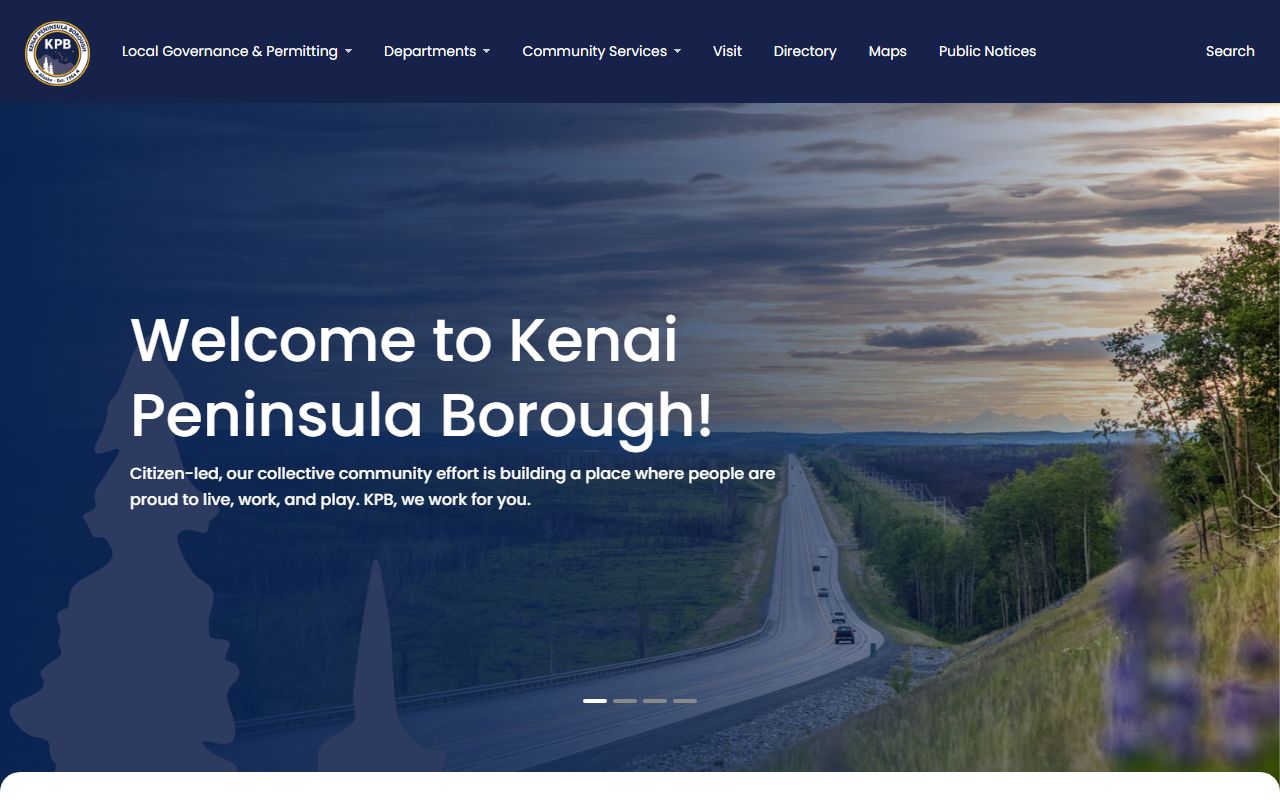
That opening view helps you stay inside the borough system and identify the right department faster.
The public records request page at kpb.us/local-governance-and-permitting/borough-information/borough-how-do-i/submit-a-public-records-request explains how the borough handles Kenai Peninsula Borough White Pages request work.
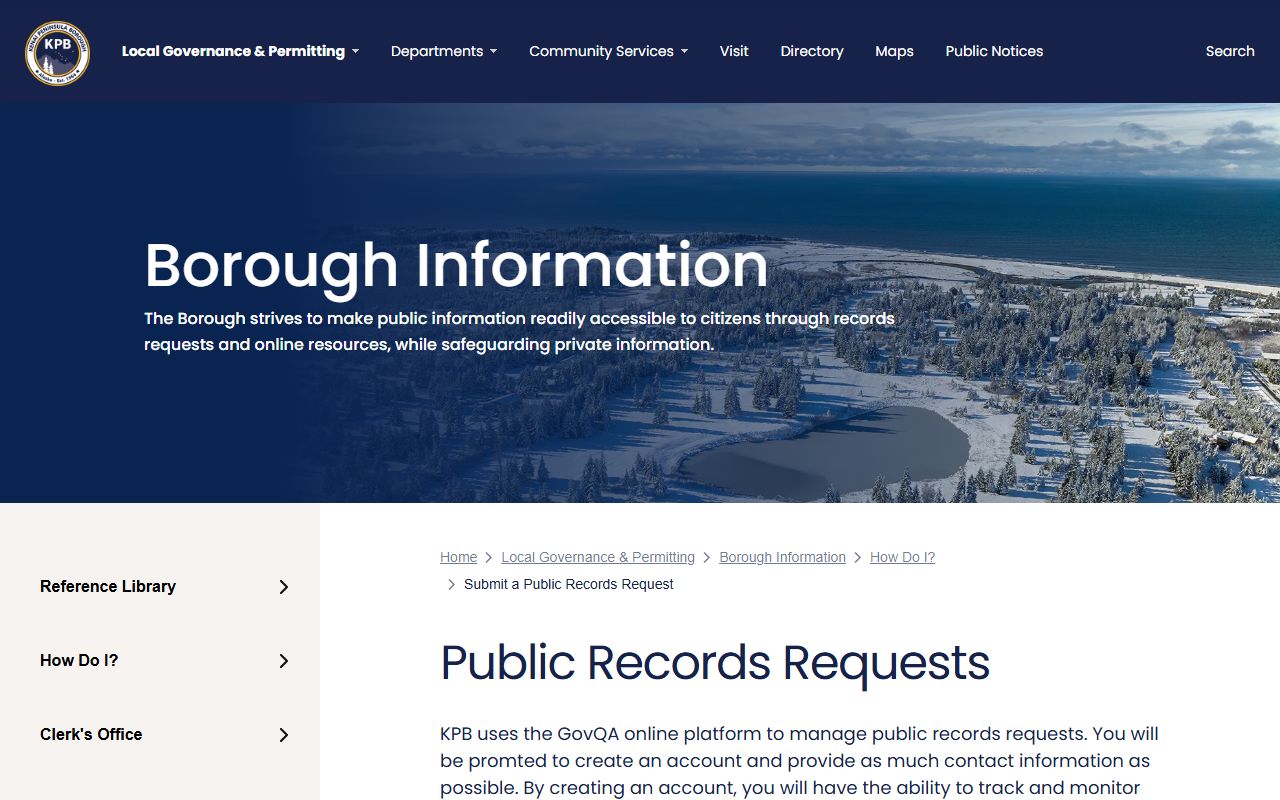
Use that page when you need the local request path instead of a general search result.
The GovQA support portal at kpb.govqa.us is the live portal behind the borough records request process.
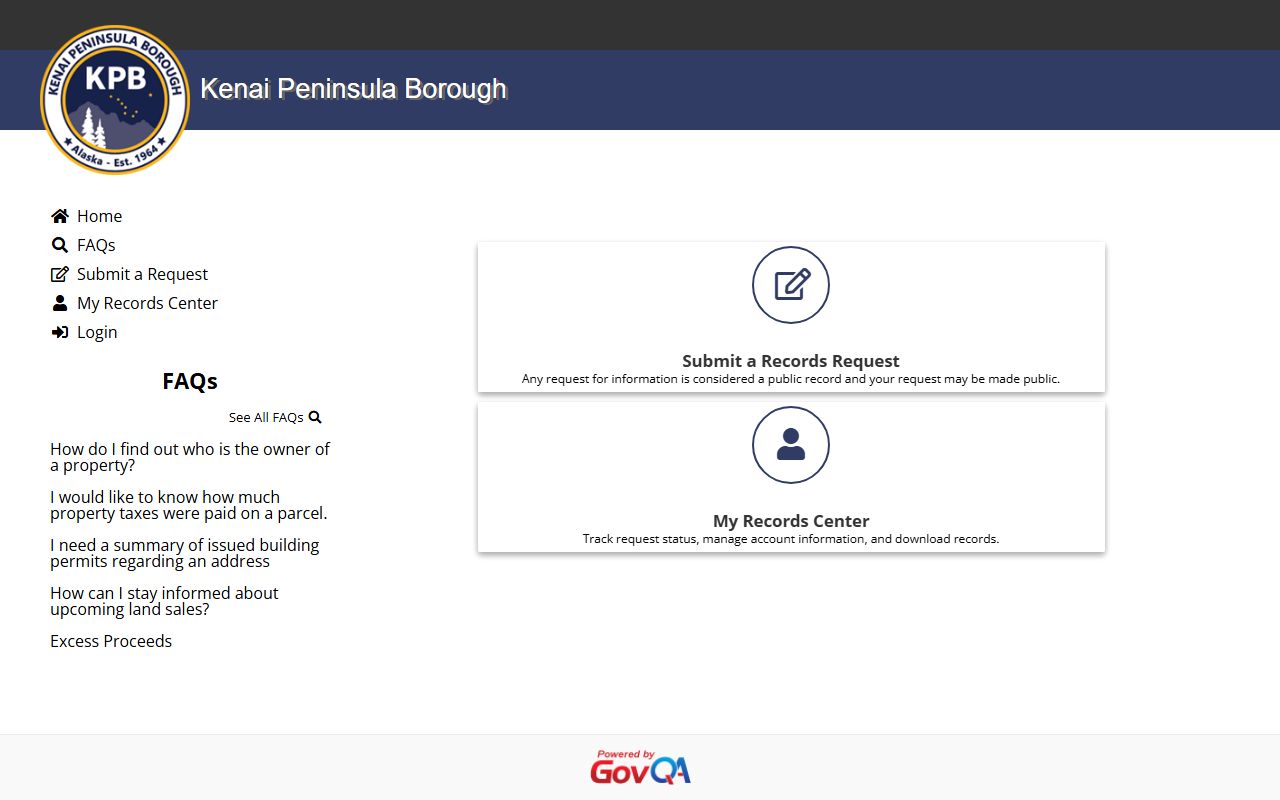
That portal is useful when you want to submit, track, or clarify a formal records request.
The public access portal at ak-kenai.publicaccessnow.com is the borough's online path into property and assessment search work.
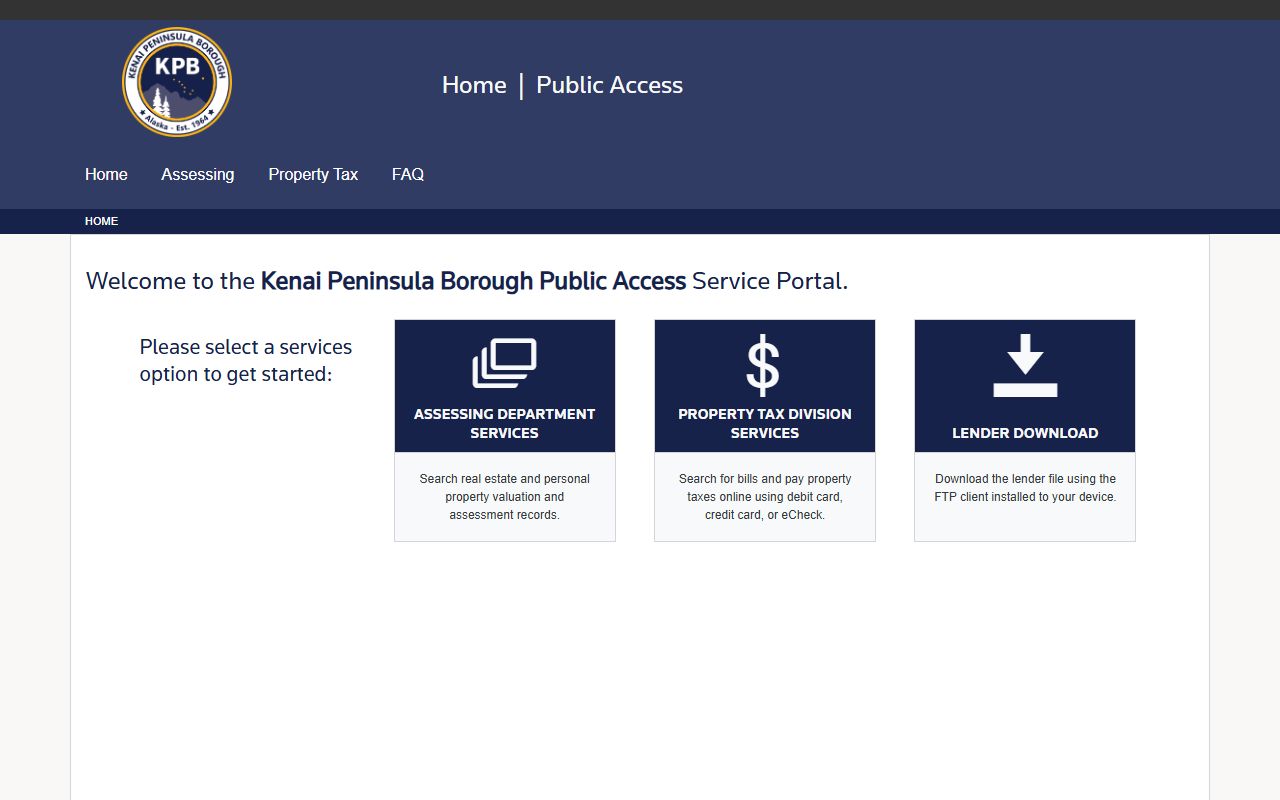
That view matters when a White Pages search turns into a parcel or tax lookup.
Kenai Peninsula Borough White Pages Property Search
The public access portal is one of the strongest Kenai Peninsula Borough White Pages tools because it reaches the real estate and personal property valuation records that people often need first. It also supports property tax payment, so the portal is more than a display page. It is a working public record and service path.
The Assessing Department phone number is (907) 714-2230, and that office helps with public parcel info, maps, and property-related questions. When you are trying to connect a name to a parcel, that phone number can save time. It gives you a direct local contact before you move deeper into the portal or into a records request.
The borough's maps and parcel tools are useful when you need a property trail, an address match, or a quick check of how the borough lists a parcel. Those tools support the same White Pages goal: find the right person, place, or office without wandering through unrelated pages. If the property record is the clue, start there and let the search guide the next step.
Note: A property search can confirm spelling, parcel history, and office contacts even when you are not focused on tax data.
Kenai Peninsula Borough White Pages Requests
When a Kenai Peninsula Borough White Pages search needs an official copy or a file that is not online, the public records request path is the correct next step. Requests are submitted through GovQA, and the borough address is 144 N Binkley St, Soldotna, AK 99669. That keeps the request tied to the borough office that handles the record instead of leaving it in a general inbox.
The GovQA support portal is the best place to understand the request workflow and get help if a submission needs correction. It is also useful if you need to track a request after you send it. In a borough this size, that kind of direct system is a practical part of White Pages work because it helps move the search from a name to a response.
Kenai Peninsula Borough records requests can cover many local subjects, including office files that are not posted on the homepage. The key is to describe the record clearly and use the right office path. If you can name the department, the topic, or the date range, the request is easier to route and faster to answer. That is usually better than sending a broad ask with no local detail.
| Address | 144 N Binkley St, Soldotna, AK 99669 |
|---|---|
| Portal | GovQA support portal |
| Request Page | Submit a public records request |
Note: A narrow request with a clear office name is easier for borough staff to process than a broad ask with no subject line.
Kenai Peninsula Borough White Pages Court and State Records
Some Kenai Peninsula Borough White Pages searches end with the Alaska Court System instead of a borough office. The statewide case search at courts.alaska.gov/main/search-cases.htm is the first court tool to check when you need party names, docket information, or a case number. It keeps the search tied to the court record instead of a general directory result.
The borough does not hold every record people ask for, so state support links are part of the search path. The Alaska Public Records Act resources at law.alaska.gov/doclibrary/APRA.html and the statute page at www.akleg.gov/basis/statutes.asp#40.25.100 help explain the public records framework. Those links are useful when you want to understand why a record is open, limited, or handled by a different office.
Older or state-managed records can also move into the Alaska State Archives genealogy resources, the vital records contact page, or the Recorder's Office information page. Those offices each serve a different part of the record trail. Together, they give a Kenai Peninsula Borough White Pages search a sensible next step when the borough office does not hold the file.
More Kenai Peninsula White Pages Links
If you want the broadest set of official sources in one place, these links cover the main Kenai Peninsula Borough White Pages paths and the state support pages that often follow them. Use them in the order that fits the record type. Start local with the borough site, the public records request page, the GovQA support portal, and the public access portal. Then widen the search to the Alaska Court System case search, the APRA guide, the statute page, the state archives, the vital records contacts, and the Recorder's Office when the borough file is not the end of the trail.
For a city-focused view, the Kenai White Pages page keeps the same local search logic but narrows it to city records and clerk access.